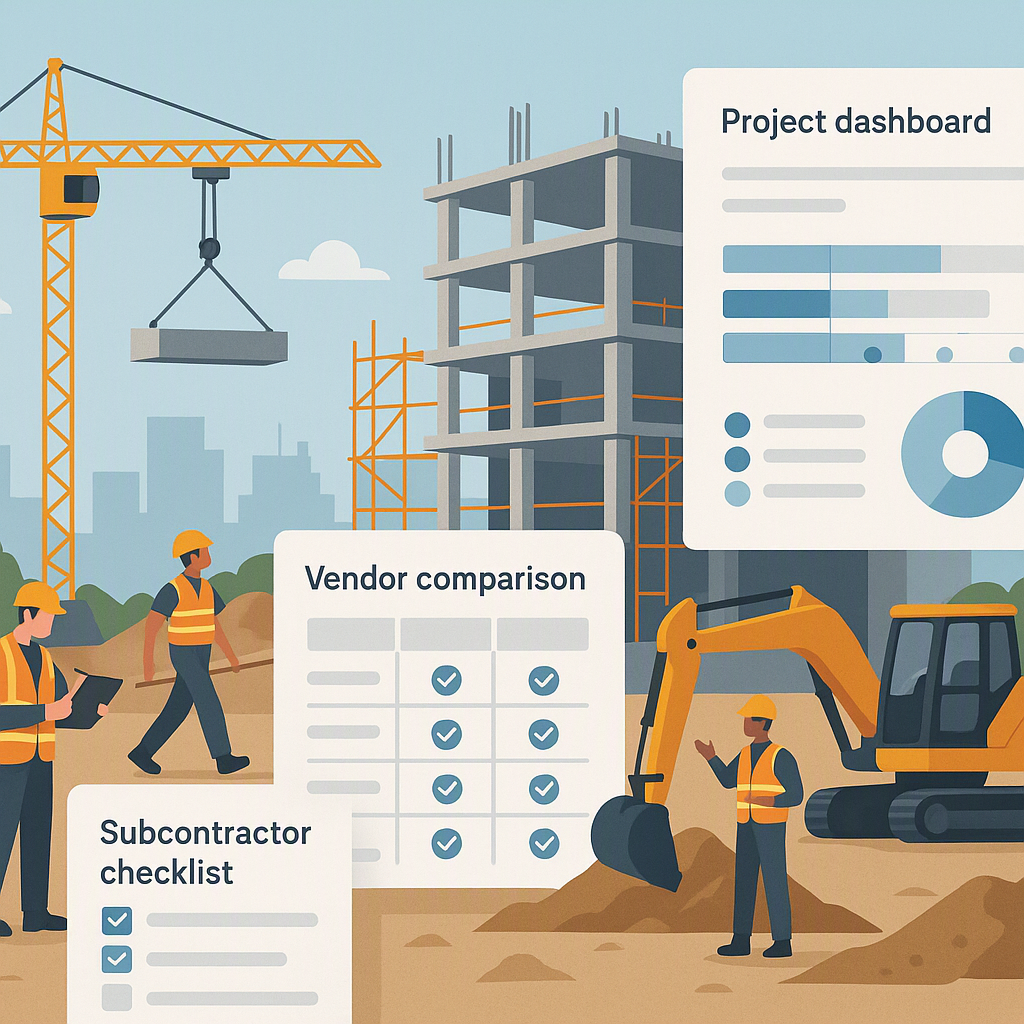
The Real Problem with Subcontractor Management
If you’re reading this, chances are you’ve been burned by subcontractor management before. Maybe a subcontractor underdelivered, leaving your project deadline in shambles. Or their invoices didn’t match the work completed, and you had to spend weeks reconciling payments. Or worse, your client discovered discrepancies in reports, and it cost you a renewal.
Here’s the hard truth: subcontractor management is difficult because it’s inherently chaotic. You’re dealing with multiple vendors, work scopes, budgets, and payment terms—all while trying to stay on schedule and keep margins intact. If you’re not organized, you’re going to bleed money and goodwill.
What Makes Subcontractor Management So Messy?
-
Unclear work scopes: If you don’t break down tasks properly upfront, you’ll end up with vague deliverables, disputes, and misaligned expectations.
-
Budget overruns: When subcontractor rates exceed your estimates, it’s often too late to fix it. Surprise costs can sink profitability.
-
Poor progress tracking: Without proper measurement processes, you’re flying blind on what’s been done versus what’s been billed. This leads to revenue leakage.
-
Vendor selection shortcuts: Picking the cheapest subcontractor without evaluating their capability, compliance, and performance history is asking for trouble.
Sound familiar? Good news: these are solvable problems.
According to the Construction Industry Institute (CII), poor subcontractor management is a leading cause of project delays and cost overruns. In fact, studies in 2021 revealed that subcontractor-related issues contribute to over 50% of schedule slippage in construction projects globally. When these problems go unresolved, they can compound into larger risks, such as reputational damage and revenue loss.
The Fix: A Structured Workflow
Subcontractor management isn’t magic—it’s process. A well-designed workflow can save you time, money, and headaches. Let’s break it down step-by-step.
1. Define Work Items
Start by breaking your project into manageable tasks. These are your work items. Don’t just write “Install HVAC system.” Specify exactly what needs to be done: duct installation, unit mounting, electrical wiring, testing, etc. If you’re working on a large project, group these work items into logical work scopes.
Why bother? Because clarity now saves you from disputes later. When subcontractors know exactly what they’re responsible for, there’s less room for misunderstanding.
Real-World Example: A case study conducted by Dodge Data & Analytics found that projects with clearly defined scopes reduced disputes by up to 35%. This clarity translates directly into smoother operations and faster completion rates.
How JobNext Helps: JobNext’s Subcontractor Management module makes this step simple. You can create detailed work items directly from your BOQ or scope documents. Everything is organized into work groups and linked to budgets from the start. No hunting for scattered spreadsheets.
2. Set and Approve Budgets
Once work items are defined, establish budgets for each. Use your job estimate as the baseline. This is your chance to define spending limits and flag any discrepancies before they become expensive mistakes.
Tip: Always compare subcontractor rates against your budgeted rates during vendor selection. If the quotes are wildly off, revisit your scope or negotiate terms before locking in contracts.
How JobNext Helps: JobNext ties budgets directly to work items. Any subcontractor expense exceeding the approved budget triggers alerts, forcing you to reassess before committing.
3. Use Work Requisitions (WR)
A work requisition is your formal request for resources or services from subcontractors. It’s essentially a site-level demand for what’s needed, when it’s needed. Think of it as the first checkpoint in your workflow.
Why It Matters: An approved WR ensures everyone is on the same page—site supervisors, procurement teams, and subcontractors themselves. It stops ad-hoc spending and keeps things under control.
4. Issue Requests for Proposal (RFP)
Turn your approved WR into an RFP. Circulate it to multiple subcontractors and request detailed proposals. This step is your opportunity to evaluate vendors properly—not just for price, but for capability, compliance, and past performance.
What to Look For:
- Total Landed Cost: The cheapest bid isn’t always the best. Factor in all costs, including materials, mobilization, and timeline impact.
- Technical Capability: Does the subcontractor have the skills, equipment, and manpower?
- Compliance: Check for insurance, safety certifications, and labour law adherence.
- Payment Terms: Understand their expectations around milestones, retention, and credit periods.
How JobNext Helps: JobNext offers a side-by-side comparison of vendor proposals, so you can evaluate offers based on cost, capability, compliance, and past performance. No more juggling spreadsheets or missing critical details.
5. Create Work Orders (WO)
Once you’ve selected a subcontractor, generate a work order. This is the official document that details what the subcontractor is expected to deliver, along with the agreed-upon payment terms.
Pro Tip: Auto-populate your WOs from the approved vendor offer to avoid manual errors. Double-check the header information: start/end dates, billing address, and currency.
How JobNext Helps: JobNext streamlines this step. The system automatically fills in the Work Order using data from the selected vendor offer—work items, quantities, rates, and terms. You can also set multi-level approval workflows for added control.
6. Track Progress with Measurement Sheets
Measurements are non-negotiable. As work progresses, document the quantities and details of completed tasks. This is your single source of truth for billing and payment.
Best Practices for Measurement Sheets:
- Be precise: Include exact dimensions, location references, and descriptions.
- Attach evidence: Photos and sketches reduce disputes.
- Review totals: Ensure cumulative measurements don’t exceed the WO quantities.
- Reconcile materials: Track how subcontractors use supplied materials.
How JobNext Helps: JobNext’s Measurement Sheets let you create detailed records directly tied to the Work Order. Once a sheet is approved, the measured quantities auto-generate subcontractor bills. It’s a closed loop that ensures payments match actual progress.
7. Process Payments
Finally, pay subcontractors based on approved measurement sheets. This ensures you’re only paying for work that’s been verified.
But here’s the catch: payment terms can get tricky. Retentions, milestone-based payments, and credit periods can all affect cash flow. Plan for these in advance and communicate clearly with subcontractors.
How JobNext Helps: JobNext integrates subcontractor billing into its finance module. You can track retention amounts, generate bills, and reconcile payments seamlessly.
Common Mistakes in Subcontractor Management
-
Skipping the budget step: If you don’t cap spending upfront, expect overruns.
-
Choosing based only on price: The cheapest quote often leads to quality issues, delays, or disputes.
-
Ignoring compliance checks: Non-compliant subcontractors put your entire project at risk.
-
Delaying measurements: Late measurement sheets lead to disputes and billing chaos.
-
Mismanaging materials: If you’re supplying materials, track usage diligently to avoid waste.
What This Costs You
Getting subcontractor management wrong can cost you your margins, your project timeline, and even your reputation. According to the Associated General Contractors of America (AGC), the average construction project faces a 20% cost increase when subcontractor workflows are mismanaged. And I’ll be honest—no system is foolproof. Even with software, you need to train your team to follow the processes diligently and remain proactive about vendor relationships.
But if you’re serious about fixing subcontractor chaos, a tool like JobNext can give you the structure and visibility you need. It’s built for contractors like you, and it’s worth trying.