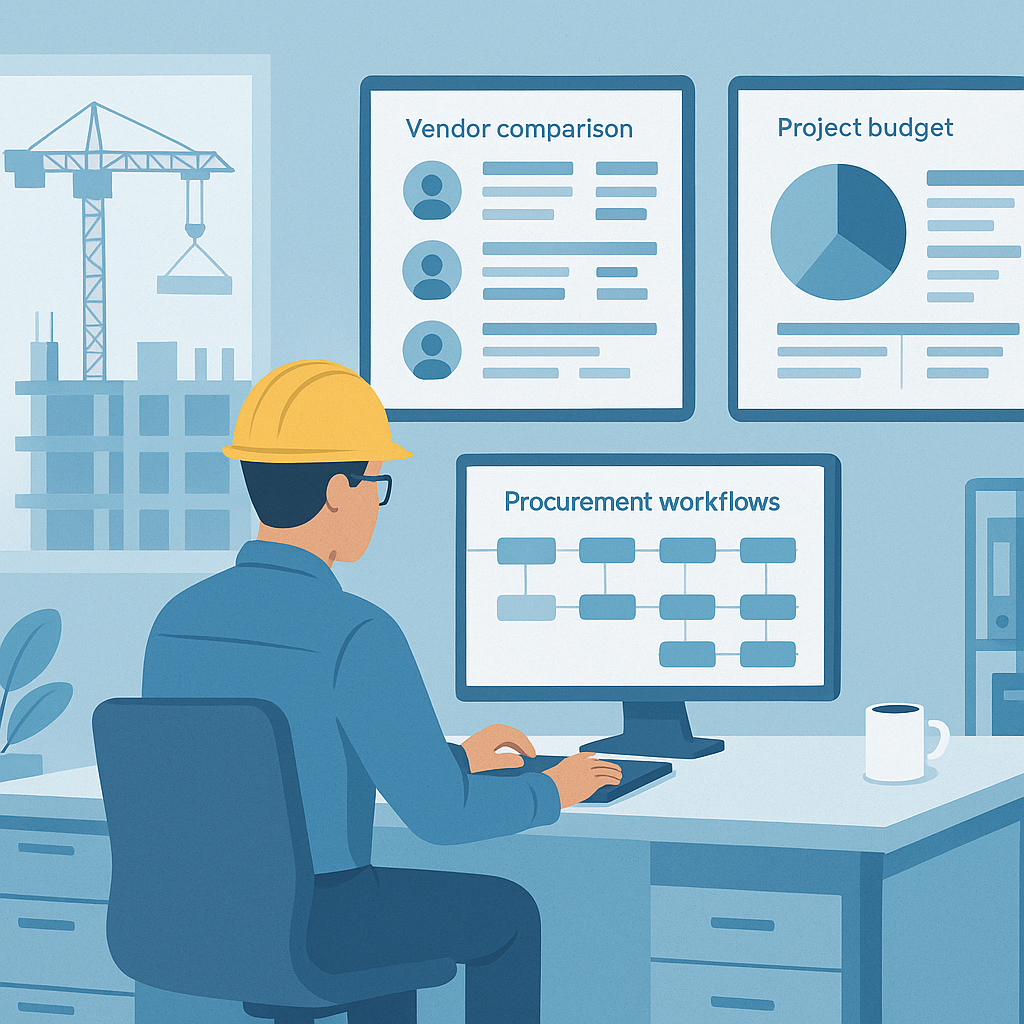
Construction Procurement: The Hidden Margin Killer
Let’s be honest — procurement is where most construction projects start to bleed money. It’s not the flashy part of the job, but it’s the backbone. Miss a step, approve the wrong vendor, or delay an order, and you’ll feel it in your margins. I’ve seen it happen too many times.
Take vendor selection, for example. Without a clear workflow, it’s a mess: emails flying around, no side-by-side comparisons, and approvals that are either too late or too vague. The result? You overpay, or worse, you hire someone who underdelivers.
This is where a structured procurement workflow makes all the difference. It’s not just about tracking purchase orders — it’s about controlling every step. Let’s break it down.
What Does a Strong Procurement Workflow Look Like?
A robust procurement workflow doesn’t just happen. It’s built deliberately, step by step. Each phase is designed to reduce risk, control costs, and maximize efficiency. Here’s the basic structure:
-
Work Requisition (WR):
- This is where it all starts. The site team raises a request for materials or subcontractor services. Without this step, you’re guessing what’s needed — and guessing costs money.
- Actionable Step: Standardize WR forms to ensure all requests include necessary details like quantity, specifications, and urgency. Use digital tools to track WR submissions, so nothing gets lost in emails.
-
Budget Approval:
- Every WR should go through a predefined budget check. If it’s not in the budget, it shouldn’t move forward. Period. This is your first line of defense against overspending.
- Actionable Step: Assign thresholds for automatic approvals (e.g., small orders under $500) to avoid bottlenecks. For larger requests, establish clear workflows for escalating decisions to managers.
-
Request for Proposal (RFP):
- Approved requisitions turn into RFPs. This is where you solicit offers from vendors or subcontractors. The key here is comparison. You need all offers in one place, standardized, so you can actually see who’s giving you the best deal.
- Actionable Step: Create a template for RFPs to ensure all vendors submit bids in the same format. Include critical details like payment terms, delivery timelines, and warranties.
-
Vendor Selection:
- Once proposals come in, it’s decision time. But here’s the catch: your decision should be based on data, not gut instinct. Price is important, but so are terms, delivery timelines, and past performance.
- Actionable Step: Use a scoring system to evaluate vendors. For example, assign weights to price (40%), delivery timelines (30%), and vendor reputation (30%). This ensures decisions are objective.
-
Work Order (WO):
- The vendor is selected, and a formal Work Order is issued. This document locks in the scope, terms, and conditions. No WO, no work — that’s the rule.
- Actionable Step: Automate WO creation using a procurement platform. Ensure WO details are tied to the project budget and requisition.
-
Monitoring and Measurement:
- As work progresses, you track it. This isn’t just about ticking boxes. Measurement sheets ensure you’re only paying for work completed, not promises.
- Actionable Step: Conduct regular site audits and link measurement sheets directly to the WO for accountability.
-
Payments:
- Finally, payments are processed based on approved measurement sheets. This keeps everyone accountable and ensures you’re not overpaying.
- Actionable Step: Implement a payment approval workflow that requires sign-off from project leads and finance teams.
Why It Matters
You might be thinking, "We already have a procurement process." But does it work? Most contractors I’ve worked with have gaps. Here’s how those gaps usually hurt:
- Unapproved Spending: Teams bypass budgets because it’s “urgent.”
- Overpaying Vendors: Without structured comparisons, you can’t be sure you’re getting the best deal.
- Delays: Missing approvals or unclear workflows lead to late deliveries, stalling the entire project.
- Revenue Leakage: Without proper measurements, you might be paying for work that’s not done or doesn’t meet standards.
Comparisons: Manual vs. Digital Workflow
| Aspect | Manual Workflow | Digital Workflow |
|---|---|---|
| Work Requisition | Lost in emails; no tracking | Centralized system; searchable logs |
| RFPs | Unstandardized formats | Template-based submissions |
| Vendor Selection | Gut-based decisions | Data-driven scoring systems |
| Monitoring | Paper-based tracking | Real-time updates via software |
| Payments | Manual approvals; delays | Automated workflows tied to projects |
Bringing It All Together with JobNext
Here’s where tools like JobNext come into play. I’m not here to pitch you software, but let’s be real — managing this manually is a nightmare. JobNext’s procurement module is designed for workflows just like this.
For example, their WR → RFP → WO workflow ensures that every step is tracked and approved. Need to compare vendor offers? You’ve got a side-by-side view with all the details: price, terms, delivery timelines. And once you issue a Work Order, it’s tied directly to the project scope and budget. No surprises.
Measurements? JobNext lets you create detailed measurement sheets that link to payment approvals. If it’s not measured, it’s not paid. Simple.
Common Mistakes to Watch For
-
Skipping the Budget Check:
- If you don’t validate against the budget early, you’re setting yourself up for trouble later.
-
Not Standardizing RFPs:
- Apples-to-apples comparisons only work if all vendor proposals are structured the same way.
-
Delaying Approvals:
- A delayed approval is just as bad as no approval. Build in timelines and accountability.
-
Forgetting Material Reconciliation:
- If you’re issuing materials to subcontractors, track what goes out and what comes back. Missing materials are lost money.
-
Manual Processes:
- Spreadsheets and emails are not a workflow. They’re chaos.
If your procurement process is draining your margins, JobNext can help. Get started free →