Facilities Management Software Free: How to Choose the Best Fit for Contractors
If you’re a contractor juggling multiple projects, you already know how chaotic managing facilities can get. One day it's a broken HVAC system at Site A, the next it’s a delayed vendor delivery at Site B. Add in the challenge of tracking assets across different locations, and you’ve got a recipe for wasted time, margin erosion, and sleepless nights.
The good news? Facilities management software can change the game entirely. But with so many options out there — many claiming to be “free” or “all-in-one” solutions — how do you choose the right one? Let me walk you through it.
The Real Cost of Free Software
Here’s the brutal truth: free facilities management software often comes with hidden costs. Sure, the subscription is free, but what about the time you spend figuring out workarounds for missing features? Or the hours spent reconciling numbers because your free software doesn’t integrate with your accounting system?
For example, let’s say you’re managing preventive maintenance schedules for HVAC systems. Free tools might allow you to log maintenance tasks, but can they alert you about warranty expirations or track the costs tied to each service? If you’re manually combing through spreadsheets or relying on memory, you’re losing time — and probably money.
Here’s a breakdown of common hidden costs associated with free tools:
- Manual Workarounds: Lack of automation can lead to time-consuming manual processes, like creating reports or managing invoices.
- Limited Integrations: If the software doesn’t integrate with accounting tools (QuickBooks, Tally, etc.), you’ll spend extra time reconciling data.
- Feature Gaps: Basic or missing features may mean you’ll need to use multiple tools to fill in the gaps.
- Scalability Issues: Free tools may not support your growing business, forcing costly migrations later.
In my view, “free” software is rarely free. It costs you in inefficiency.
What Contractors Need in Facilities Management Software
Your business isn’t like a retail store or a tech startup. You’re dealing with specific challenges: job-based costing, subcontractor coordination, and compliance headaches like VAT or TDS. Generic tools just won’t cut it.
Here’s a detailed checklist of features to prioritize:
-
Asset Management
- Can it track the lifecycle of your equipment, from purchase to disposal?
- Does it let you monitor utilization, maintenance history, and repair costs?
- Is there an alert system for preventive maintenance or warranty expirations?
-
Work Order Tracking
- Does it help you assign tasks efficiently across multiple sites?
- Can it track progress in real-time and flag delays?
- Does it allow you to link costs directly to projects for real-time profitability tracking?
-
Billing Flexibility
- Does it support project-specific billing methods like RA Bills, stage-wise billing, or monthly invoicing?
- Can you tie billing directly to project milestones or material consumption?
-
Integrated Procurement
- Can you manage material requests, RFQs (Request for Quotations), and POs (Purchase Orders) in one place?
- Does it allow you to track procurement at the project level for better cost control?
-
Compliance Tools
- Does it handle VAT, TDS, and statutory deductions seamlessly?
- Are compliance reports and tax calculations automated?
-
Reporting and Analytics
- Are there pre-built reports that help you track KPIs like margin erosion, equipment utilization, or subcontractor performance?
- Does it allow custom reporting to address unique business needs?
By focusing on these features, you’ll avoid investing in software that doesn’t actually solve your most pressing problems.
How JobNext Helps Contractors Streamline Operations
One of the biggest challenges contractors face is revenue leakage in billing. Imagine this: You’re running multiple projects, and your client wants monthly invoices for one job, milestone-based billing for another, and supply-based BOQ invoicing for a third. Most generic tools don’t support this level of flexibility. So what happens? You’re stuck manually creating and reconciling invoices, and inevitably, something falls through the cracks.
JobNext solves this with six billing methods tailored for contractors:
- RA Bills: Ideal for large-scale projects where billing is based on completed work measurements.
- Milestone Billing: Invoice clients as specific project phases are completed.
- Supply-Based BOQ Invoicing: Bill clients based on materials supplied to a project.
- Monthly Invoicing: Perfect for long-term maintenance contracts.
- Lump-Sum Billing: For one-off or smaller projects.
- Custom Billing: Create unique invoicing structures tailored to specific client needs.
In addition to billing, JobNext offers features like integrated procurement workflows, automated asset management, and robust reporting tools. For instance, the procurement module lets you create material requests, send RFQs to vendors, and issue POs — all from one platform. This reduces manual errors and ensures you’re never over-ordering or understocking materials.
It’s not just about creating invoices or managing materials; it’s about achieving peace of mind and knowing every dollar is accounted for.
How to Evaluate Facilities Management Software
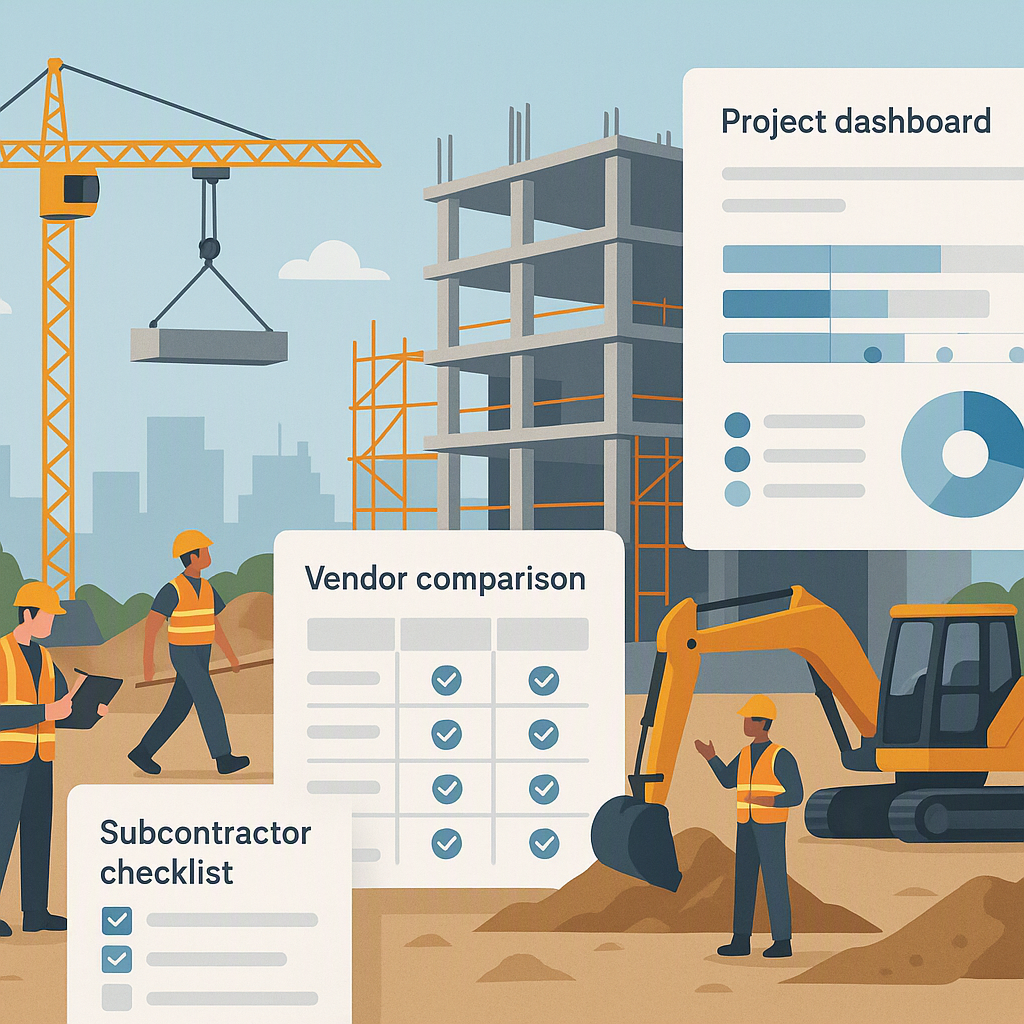
To make your decision easier, here’s a quick comparison table of features to consider:
| Feature | Why It’s Important | What to Look For |
|---|---|---|
| Asset Management | Prevent downtime, extend asset life | Maintenance alerts, lifecycle tracking |
| Work Order Tracking | Improve efficiency and accountability | Task assignments, real-time updates |
| Billing Flexibility | Avoid revenue leakage | Support for multiple billing methods |
| Procurement Integration | Reduce errors, save time | Material requests, RFQs, POs |
| Compliance Tools | Avoid legal troubles | Automated tax filing, audit readiness |
| Reporting & Analytics | Measure performance, make decisions | Pre-built/custom KPIs, visual reports |
Common Mistakes When Choosing Facilities Management Software
-
Ignoring Integration If your software doesn’t integrate with your accounting platform (like Tally for Indian contractors), you’re setting yourself up for double entries and reconciliation headaches. Check for compatibility upfront.
-
Overlooking Scalability Today you’re managing three projects. What happens when you’re running 30? Free software often doesn’t scale well, leaving you scrambling to migrate later.
-
Underestimating Training Needs A free tool won’t come with onboarding support, leaving your team frustrated and unproductive. Choose a provider that offers training — you’ll thank yourself later.
-
Misjudging Hidden Costs Free software might limit your access to essential features, forcing you to upgrade sooner than expected. Do the math before committing.
What to Watch For
- Data Ownership: Free software might limit your control over your data. Check who owns it and how easily you can export it.
- Customer Support: Many free tools lack dedicated support. If you’re investing time in setup, you’ll want someone to help when things go wrong.
- Hidden Fees: Free trials are great, but what happens when you need advanced features? Make sure you know the upgrade costs upfront.
Choosing the right facilities management software is about more than just the price tag. It’s about understanding your workflows, identifying your pain points, and picking a tool that solves them. If you’re tired of juggling disconnected systems and losing track of costs, JobNext might be worth exploring.