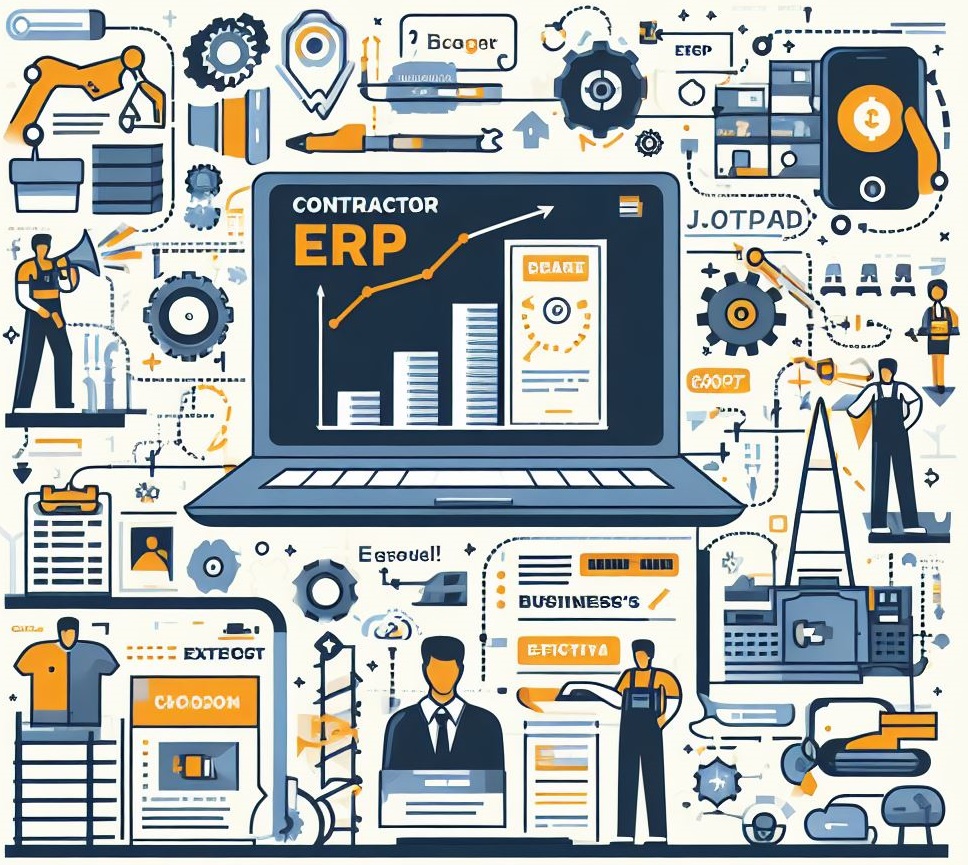
Somewhere around 2018, every software company in the world decided they were a "construction ERP." Project management tools added invoicing and called themselves integrated. Accounting packages bolted on Gantt charts and claimed they were built for builders. The result is a market with over 200 products, most of which will leave a contractor worse off than a well-organized spreadsheet.
We have helped dozens of contracting firms evaluate and select ERP systems. The ones that succeed share a common trait: they started with a clear understanding of what construction-specific capabilities they actually needed, rather than getting dazzled by feature lists and demo environments.
Here are the nine modules that matter — and more importantly, what to look for inside each one.
Module 1: Preconstruction and Estimating
This is where projects are won or lost. Your estimating module should do far more than house line items in a database.
What to look for:
- BOQ (Bill of Quantities) management with hierarchical cost breakdowns
- Historical cost data integration — pull actuals from completed projects into new estimates
- Material price feeds or manual rate card management
- Markup and margin calculation by trade, phase, or cost code
- Side-by-side bid comparison for subcontractor quotes
- Version control so you can trace estimate evolution during negotiation
Red flag: If the vendor's estimating module is essentially a spreadsheet with a database back end, keep looking. AI-powered estimation tools can now perform takeoffs in under a minute and achieve up to 97% accuracy. Your ERP should at minimum integrate with these tools or offer comparable capability.
The AGC's 2025 Hiring & Business Outlook found that 35% of firms plan to increase investment in estimating software this year, recognizing that better estimates are the foundation of profitable projects.
Module 2: Project Operations and Scheduling
Once you win the job, you need to run it. This module is the operational backbone.
What to look for:
- Work breakdown structure (WBS) that maps to your cost codes
- Gantt chart scheduling with dependency management
- Resource allocation across multiple concurrent projects
- Milestone tracking tied to billing triggers
- Document management — drawings, RFIs, submittals, transmittals
- Daily log and progress reporting from the field
Red flag: If scheduling is limited to start and end dates without dependencies, critical path analysis, or resource leveling, the tool is a task list pretending to be a scheduler.
Module 3: Procurement and Supply Chain
With construction input costs up 38.7% since February 2020 and tariff uncertainties adding further pressure — the U.S. imposed 25% tariffs on Canadian and Mexican imports in March 2025 — procurement cannot be an afterthought.
What to look for:
- Purchase requisition workflow tied to project budgets
- RFQ creation and vendor quote comparison
- Purchase order management with approval chains
- Goods receipt and quality inspection tracking
- Vendor performance scoring and history
- Budget-to-actual visibility at the moment of ordering
Red flag: If the procurement module does not check a PO against the project budget before approval, you have a fancy ordering system but no cost control.
Module 4: Subcontractor Management
On most general contractor projects, subcontracted work represents 70-80% of the project value. Your ERP needs to treat subcontractor management as a first-class function.
What to look for:
- Subcontract creation tied to the project WBS
- Progress measurement and payment certification
- Retention tracking and release workflows
- Back-charge management
- Insurance and compliance document tracking
- Lien waiver management
Red flag: If subcontractors are just another "vendor" in the system without specific construction workflows, you will end up building workarounds that defeat the purpose of having an ERP.
Module 5: Equipment and Asset Management
For contractors who own fleet — cranes, excavators, vehicles, formwork — this module often pays for itself in the first year.
What to look for:
- Asset register with depreciation tracking
- Preventive maintenance scheduling with alerts
- Equipment allocation to projects with internal rental rates
- Fuel and operating cost tracking
- GPS and telematics integration capability
- Utilization reporting to identify underused assets
Red flag: If equipment tracking is just an asset list without utilization metrics and maintenance scheduling, it will not reduce your downtime or improve allocation decisions.
Module 6: Human Resources and Workforce
The construction industry needs 454,000 additional workers in 2025 and 94% of firms report difficulty filling positions. Managing the workforce you have is not optional — it is existential.
What to look for:
- Employee master with certifications and expiry tracking
- Time and attendance with GPS/geofencing capability
- Leave management with project-aware scheduling
- Training and certification tracking with renewal alerts
- Multi-project workforce allocation and availability views
- Safety incident recording and reporting
Red flag: If HR is limited to a basic employee directory without integration to payroll and project scheduling, your operations team will still be managing labor in spreadsheets.
Module 7: Payroll
Construction payroll is uniquely complex. Multiple pay rates, overtime rules, project-based allocations, and compliance requirements make generic payroll tools inadequate.
What to look for:
- Multiple pay rate support (regular, overtime, different project rates)
- Time card approval workflows with project/cost code allocation
- WPS (Wage Protection System) compliance for GCC-based contractors
- Salary processing with project-wise cost distribution
- End-of-service benefit calculations
- Integration with time and attendance systems
Red flag: A contractor ERP that outsources payroll to a third-party integration is acceptable, but one that cannot allocate labor costs back to projects by cost code is fundamentally broken for construction.
Module 8: Finance and Accounting
This module must go well beyond basic bookkeeping to handle construction-specific financial workflows.
What to look for:
- Job costing with earned value analysis (planned value, earned value, actual cost)
- Progress billing with percentage-of-completion revenue recognition
- Retention receivable and payable tracking
- Multi-currency support for international operations
- Bank reconciliation and cash flow forecasting
- Tax compliance for your operating jurisdictions
- Integration with local accounting standards (IFRS, Tally, etc.)
The Construction Financial Management Association research consistently shows that cash flow, not profitability, kills construction companies. Your finance module must give you forward-looking cash visibility, not just backward-looking P&L statements.
Red flag: If the system cannot produce a project-level WIP (Work in Progress) schedule showing over/under billings, it was not designed for construction.
Module 9: Analytics and Business Intelligence
Data without insight is just noise. The analytics module should transform operational data into actionable intelligence.
What to look for:
- Pre-built construction KPI dashboards (project margin, backlog, cash position)
- S-curve analysis for project cost and schedule tracking
- Drill-down capability from summary to transaction level
- Variance analysis with trend identification
- Custom report builder for ad-hoc analysis
- Export and sharing capabilities for stakeholder reporting
Red flag: If "analytics" means a library of static reports that require IT to modify, you will never get the real-time visibility you need.
Beyond the Module Checklist
Modules matter, but three cross-cutting factors separate great construction ERPs from adequate ones:
Mobile-First Field Access
If your field teams cannot use the system from a phone or tablet without a reliable internet connection, you have a back-office system, not a construction platform. The rise of tools like Fieldwire and Raken proved that field teams adopt technology when it genuinely reduces their burden.
Cloud Architecture
Cloud implementations complete 40-60% faster than on-premise deployments. More importantly, cloud systems eliminate the IT infrastructure burden that most contractors are not equipped to manage. With 92% of cloud-powered companies reporting improved profitability, the cloud-vs-premise debate is effectively over for mid-market contractors.
Implementation Approach
Gartner predicts that by 2027, over 70% of ERP initiatives will fail to meet original business goals. The firms that succeed use a phased approach: financials and job costing first, then procurement, then field tools. A mid-size contractor should plan for four to six months of phased rollout, not a big-bang go-live.
Our Recommendation
Start with your pain. If cash flow is your crisis, evaluate the finance and billing modules first. If field coordination is the bottleneck, focus on mobile capabilities and project operations. If procurement waste is killing margins, lead with the supply chain module.
No ERP does everything perfectly. The best system is the one that solves your most expensive problem first and gives you a credible path to solving the rest.
Ready to see JobNext in action?
Multi-tenant SaaS ERP for construction, facilities management, and contracting — covering preconstruction, project execution, procurement, HR & payroll, equipment, finance, and 150+ analytics reports.
Get Started Free →