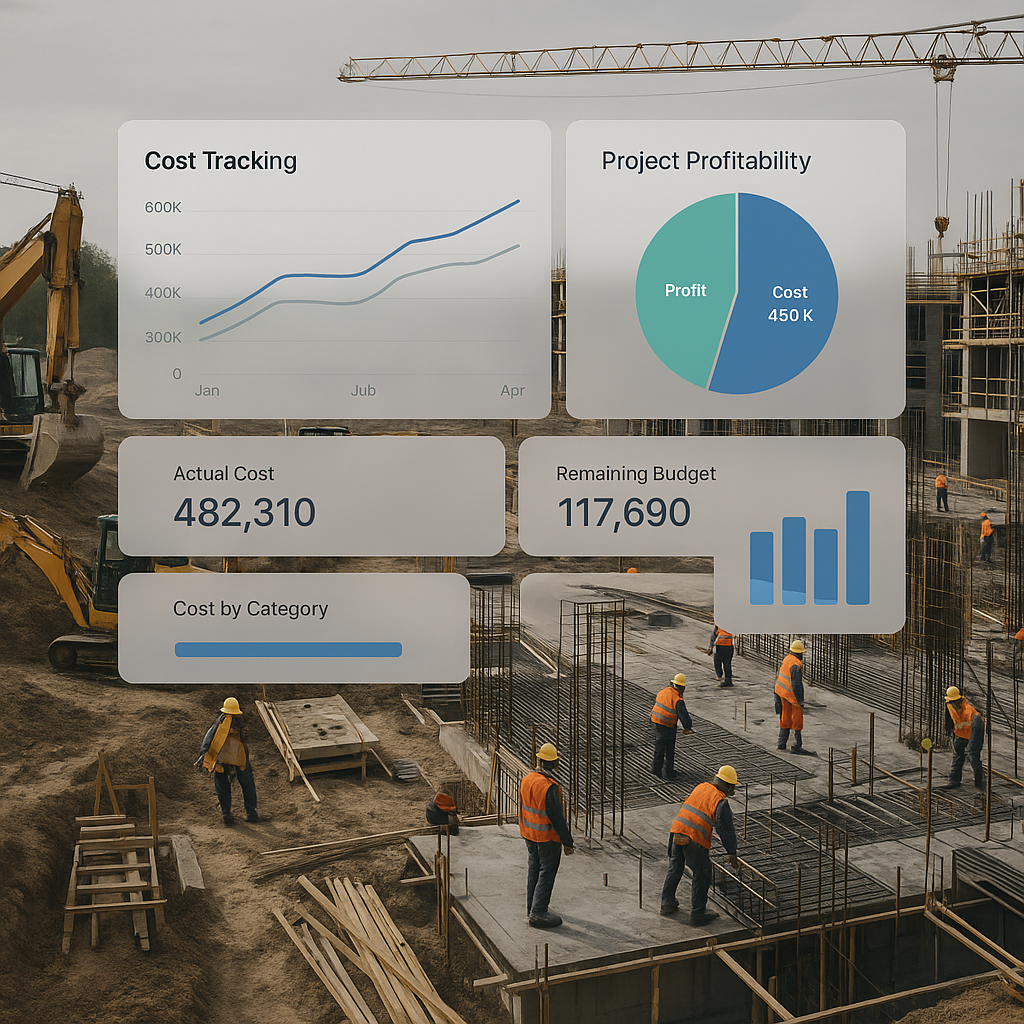
Billing Chaos is Eating Contractor Profits
Let’s be honest: contractor billing is a mess. Missed invoices, wrong amounts, delayed approvals — these aren’t just annoying; they’re deadly for your margins. A study by Deloitte found that construction billing errors can erode up to 8% of project profits. For a mid-sized contractor managing ₹50 crore of annual revenue, that’s ₹4 crore just vanishing.
Why does this happen? Because construction billing isn’t simple. You’ve got RA Bills, stage-wise billing, monthly invoicing, supply BOQs, combined bills, and one-offs. Each method has its quirks, and juggling them across spreadsheets or disconnected tools is a recipe for disaster.
The chaos doesn’t end there. Payment delays, disputes over measurements, and manual errors compound the problem. When your billing processes aren’t airtight, you’re not just leaving money on the table — you’re actively bleeding cash.
So, what’s the fix? A cloud ERP that centralizes and automates billing workflows. Tools like JobNext are designed specifically for contractors and can handle six different billing methods out of the box — all tied to your project scopes, BOQs, and progress measurements. Let’s break it down and see how this works in practice.
Real-World Example: RA Billing Done Right
The Problem
Take RA Billing (Running Account Billing). It’s one of the most common billing methods in construction, where contractors bill clients progressively based on completed work. Sounds simple, right? But in practice, it’s anything but. Without a structured system, RA Billing often becomes an exercise in guesswork:
- How much progress has actually been made?
- Have all measurements been verified?
- Are variations from the original scope accounted for?
The result? Missed line items, underbilling, and delayed payments.
The Solution
JobNext tackles this by tying RA Bills directly to your WBS (Work Breakdown Structure) and progress measurements. Every time a site engineer updates progress in the system, the billing module automatically reflects those changes. Here’s how:
- Real-Time Progress Updates: Site engineers use mobile devices to log progress directly into the system.
- Automated Calculations: The software calculates billing amounts automatically based on the updated progress.
- Approval Workflows: You set the rules for who approves each RA Bill, whether it’s the site manager, project manager, or client representative.
Case Study: Bangalore-Based Contractor
Here’s an example: A mid-sized contractor in Bangalore used to spend 6 weeks getting RA Bills approved. Every approval required multiple emails, phone calls, and in-person follow-ups. After adopting JobNext, they cut this to just 3 days. Automated workflows ensured that the right people were notified at the right time, and progress updates were accurate to the last detail.
Combined Billing: Avoiding Leakage
The Problem
Combined billing is another headache. It’s often used for projects with multiple BOQs or scopes that need to be billed together. The challenge? Without a unified system, tracking all the moving parts is nearly impossible. I’ve seen contractors underbill by 15% on combined invoices simply because someone forgot to add a scope to the bill. Over time, this can amount to millions of rupees in lost revenue.
The Solution
With JobNext, every BOQ and scope is tied to its billing line item. When it’s time to generate a combined bill, the system automatically pulls in all relevant data. Here’s how it works:
- Comprehensive Scope Management: Each BOQ is linked to its corresponding scope of work, ensuring no items are overlooked.
- Progress Validation: The system flags incomplete scopes or discrepancies, so you can address them before finalizing the bill.
- Integrated Reporting: Generate detailed combined billing reports that include every line item, ensuring full transparency for your clients.
Real-World Outcome
A large infrastructure contractor in Mumbai implemented this system and saw immediate benefits. Before, they were losing ₹1 crore annually due to underbilling on combined invoices. After switching to JobNext, they not only eliminated these losses but also identified additional billable scopes that had previously gone unnoticed.
Why Cloud ERP Beats Excel
You might be thinking, “But we’ve managed this in Excel for years!” Sure, Excel works — until it doesn’t. Here’s why it’s a poor fit for modern construction billing:
| Problem with Excel | Benefit of Cloud ERP |
|---|---|
| Approval Chaos: Excel doesn’t handle multi-level approvals. You’re stuck chasing signatures. | Automated workflows route approvals to the right people at the right time. |
| Missed Updates: Manual trackers rely on people remembering to update them. | Real-time updates ensure progress is always accurate. |
| No Audit Trail: Disputes are harder to resolve when there’s no record of changes. | Every change is logged, creating a clear audit trail. |
| Lack of Accessibility: Files are often siloed on individual devices. | Cloud-based systems are accessible from anywhere. |
A Practical Comparison
Let’s say you’re managing 10 projects simultaneously. With Excel, you’d need separate files for each project, manual updates for every progress report, and endless emails to chase approvals. With a cloud ERP like JobNext, all this happens automatically in one centralized platform. The time savings alone are worth the switch.
The ROI of Billing Automation
Still skeptical? Let’s talk numbers. Contractors who automate billing workflows with a cloud ERP typically recover 12-18% of lost revenue annually. Consider the following scenarios:
- A contractor managing ₹100 crore in projects saves ₹12-18 crore.
- A smaller contractor managing ₹20 crore in projects saves ₹2.4-3.6 crore.
But it’s not just about recovering revenue. Faster billing leads to faster payments, which improves cash flow. Better cash flow means you can pay suppliers on time, take on more projects, and grow your business without constantly worrying about liquidity.
FAQs
Can a cloud ERP handle unique billing methods?
Yes. Systems like JobNext are designed specifically for contractors and support methods like RA Bills, stage-wise billing, combined billing, and more. You can even customize workflows to match your existing processes.
What happens if we need approvals across multiple departments?
JobNext includes multi-level approval workflows. You can configure rules for who approves each bill, automate notifications, and ensure that no step is missed.
We already use Tally for accounting. Do we need both?
Yes. While Tally excels at statutory reporting and financial management, it’s not built for project-specific billing workflows. JobNext integrates with Tally, so you can manage project billing separately while keeping your accounts up-to-date.
Is JobNext suitable for small contractors?
Absolutely. Whether you’re running 5 projects or 50, JobNext scales to fit your needs. Smaller contractors often see faster ROI because they can eliminate manual processes almost immediately.
How long does implementation take?
Most contractors are up and running in 4-6 weeks. JobNext’s implementation team handles onboarding and training, so you can focus on running your business.
Ready to Fix Billing Chaos?
If you’re tired of missed invoices and delayed approvals, it’s time to take control. JobNext can help you automate your billing workflows, recover lost revenue, and grow your business. Get started free →